
Google Play Store
Google Play Store is Google's digital distribution platform for Android, used to find, install and update apps, games and books.
101.1 MB

2.3.0 · True Developers Studio · Page updated
Auto Clicker - Automatic Tap is a free Android tool by True Developers Studio that repeats taps and swipes on the screen automatically.
Average 0.0 · ratings: 0
Thank you! Your rating is saved; you can change it. Could not save the rating. Please try again later. Too many ratings from your network today. Please try again tomorrow. The average appears after 5 ratings.
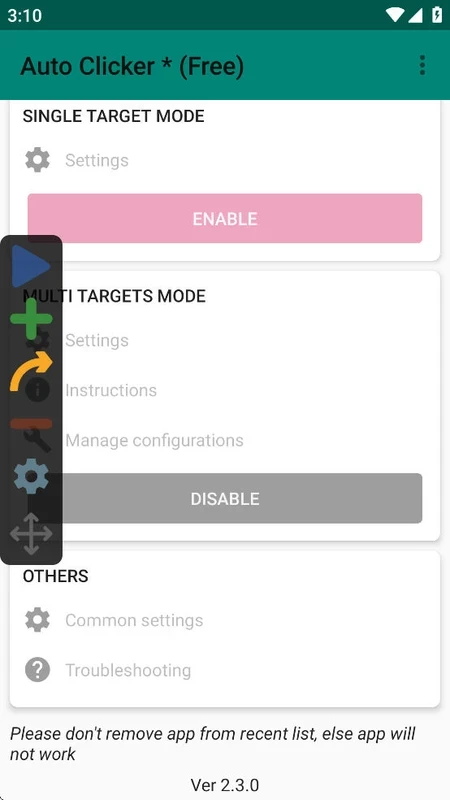
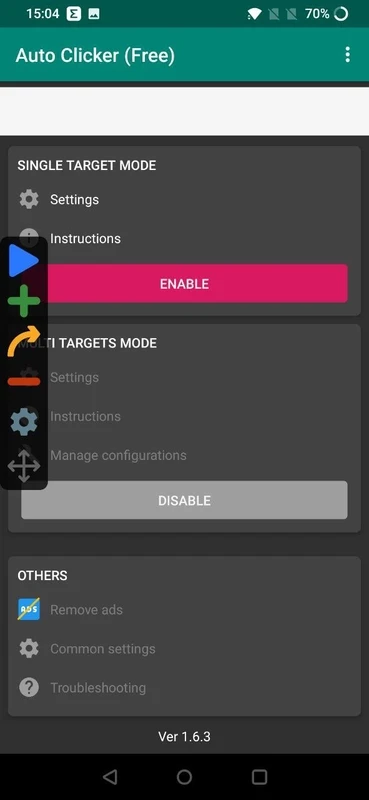
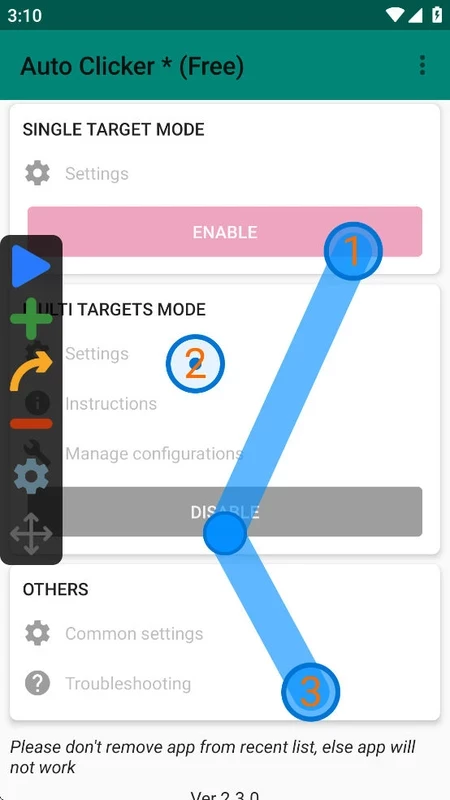
Auto Clicker - Automatic Tap 2.3.0 for Android is a free tool from True Developers Studio that taps the screen for you, and the safe place to download it is Google Play. You set where and how often it should tap, press play, and the phone does the repetitive work. Below are answers to the questions people usually have.
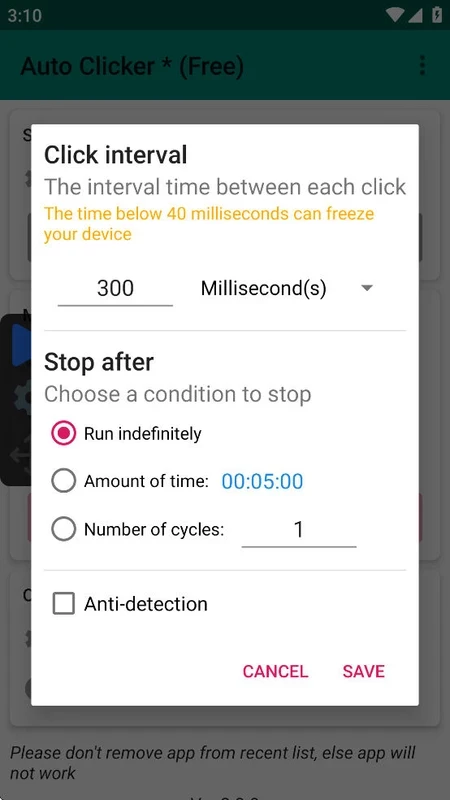
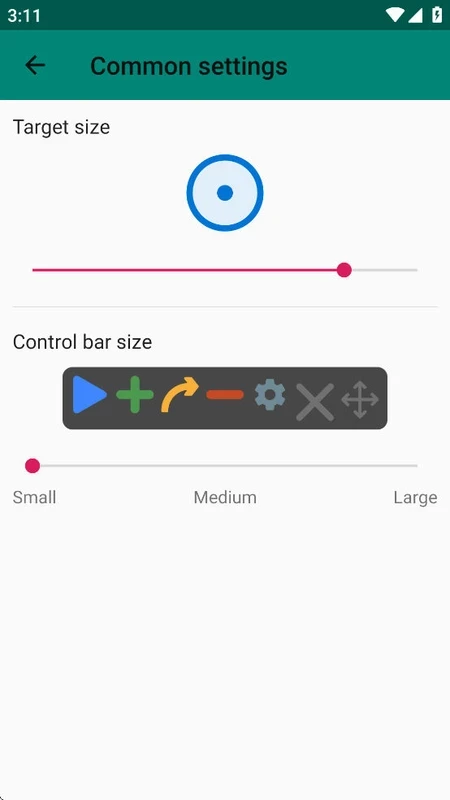
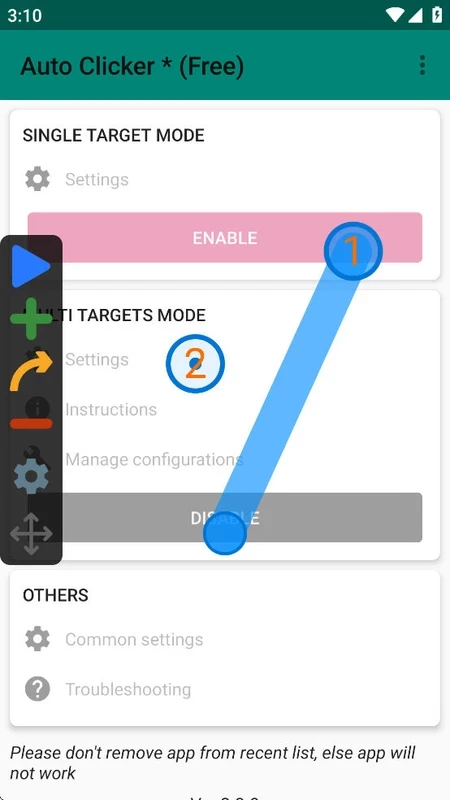
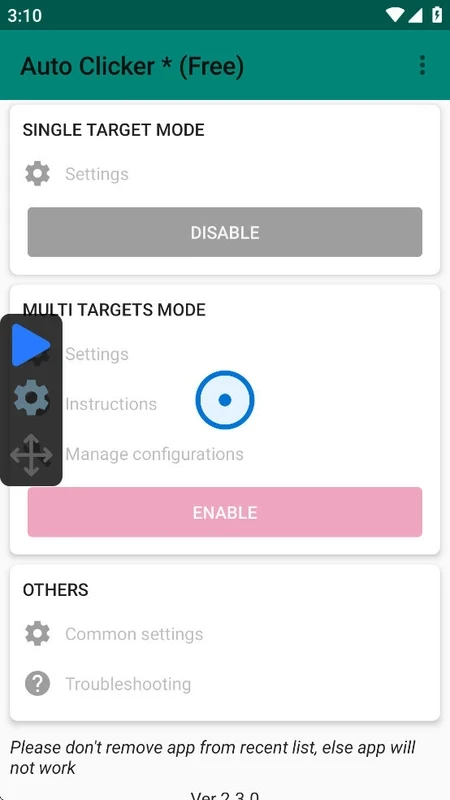
The app places one or more targets on top of whatever is on the screen. Each target is a point where the app will tap, and you can set the interval between taps, the number of repetitions and, in multi-target mode, the order in which the points are pressed. Swipes can be added in the same way. A small floating panel stays on screen with play, stop and settings buttons, so you can start and stop without leaving the app you are automating. Typical uses are simple and repetitive: collecting rewards in idle games, scrolling through long feeds while reading, testing how an app reacts to fast repeated input, or helping people who find constant tapping tiring or painful. It does not read the screen or make decisions, so it is best for tasks where the same tap in the same place is always right.
This page lists version 2.3.0 by True Developers Studio, updated in September 2026. The file size is about 4.27 MB according to catalogue data, so it installs quickly even on older phones.
Android only lets apps perform taps on the screen through the accessibility service. That permission is powerful: in principle it allows an app to see and control what happens on the phone. This is why the source of the app matters so much. Grant it only to the version from Google Play and switch the service off in settings when you are not using the clicker.
Google Play checks compatibility for you. Some manufacturers aggressively close background apps, so if the clicker stops unexpectedly, exclude it from battery optimisation.
Yes, the app is freeware. Free tools of this kind are often supported by ads, which appear in the app's own screens rather than during clicking.
The Google Play version is the one to trust; APK copies from other websites can abuse the accessibility permission to steal data. Also read the rules of any online game before automating it, since many treat auto clickers as cheating and may suspend the account.
Google Play Store is Google's digital distribution platform for Android, used to find, install and update apps, games and books.

APKPure is a third-party app marketplace for Android that installs apps from APK files outside Google Play. This page covers version 3.20.7803.

Aptoide is an open-source alternative app store for Android, running since 2009. This page covers version 9.22.5.3.

QuickShortcutMaker is a small Android tool for creating home screen shortcuts to specific screens of installed apps, including hidden settings.